01
Organise by workspace, not just tabs
Group terminals by project. Each workspace keeps its own pane layout, tabs and context, so switching between a client project and a production server never costs you your place in either.
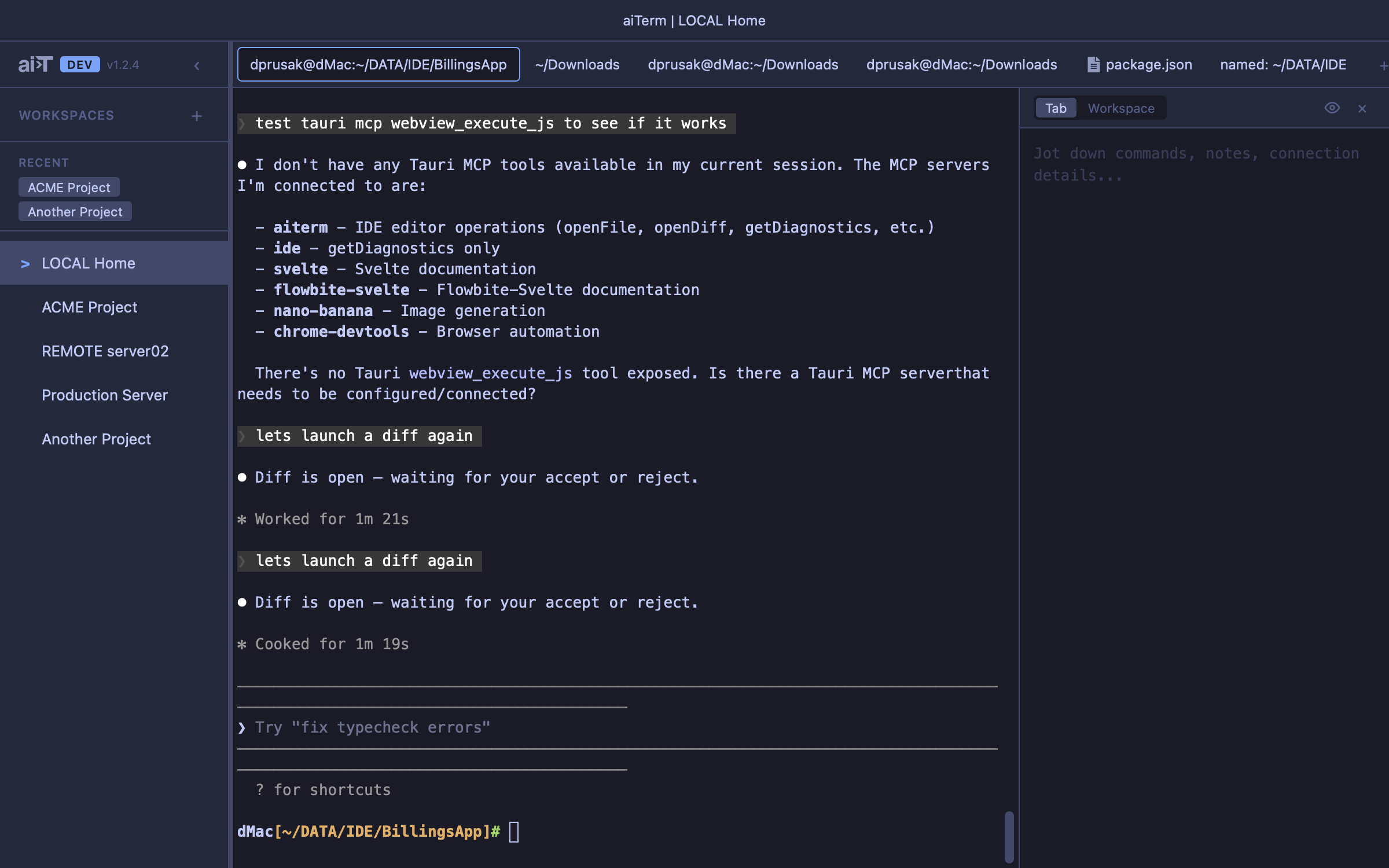
A terminal built for AI workflows — not AI built into a terminal.
No built-in model to replace yours. The coding agents you already run drive maiTerm over MCP, and it gives you a proper terminal that understands what they are doing, plus the tools to manage several of them at once.
01
Group terminals by project. Each workspace keeps its own pane layout, tabs and context, so switching between a client project and a production server never costs you your place in either.
02
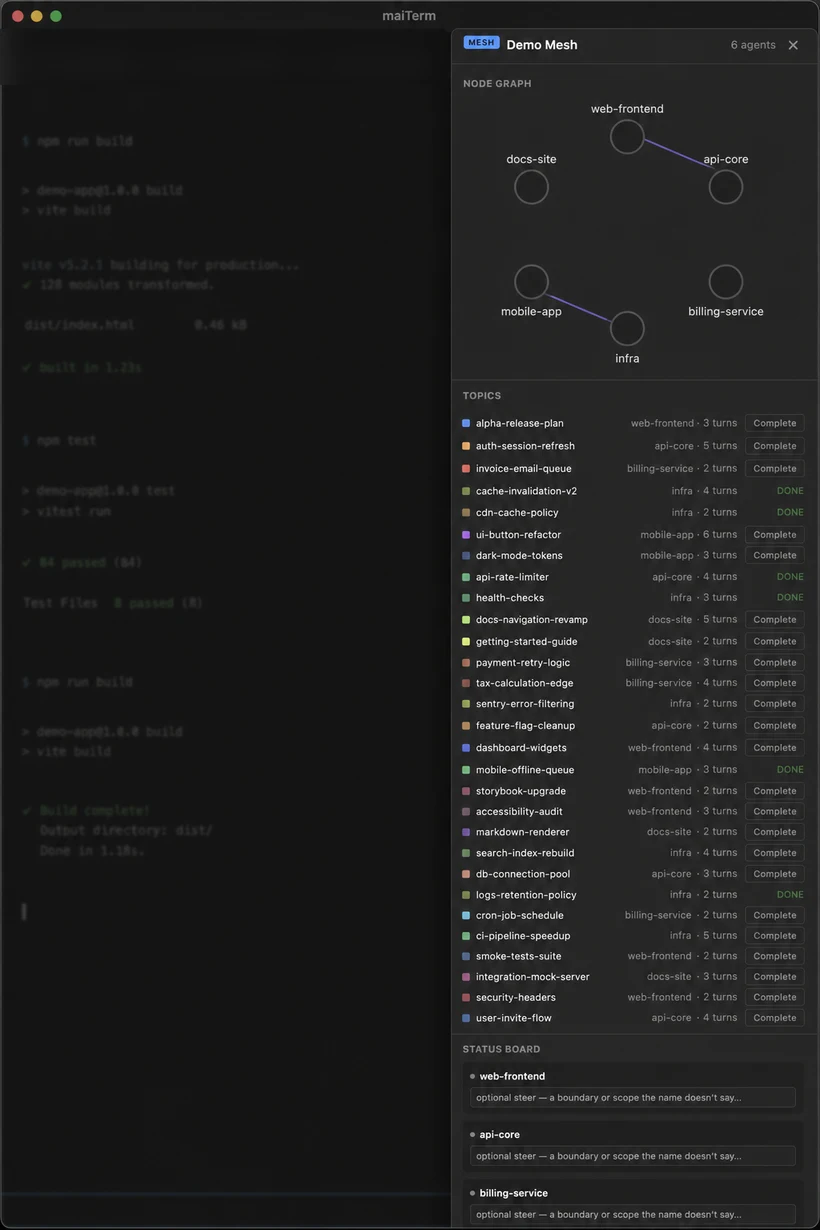
Flip a workspace into a mesh and every agent in it can message any other by role — the frontend agent asks the backend agent for an endpoint shape, the backend loops in infra, and nobody waits for you to play messenger. It is also a token win: each agent keeps a small, sharply scoped context instead of dragging every repository into one enormous one.
03
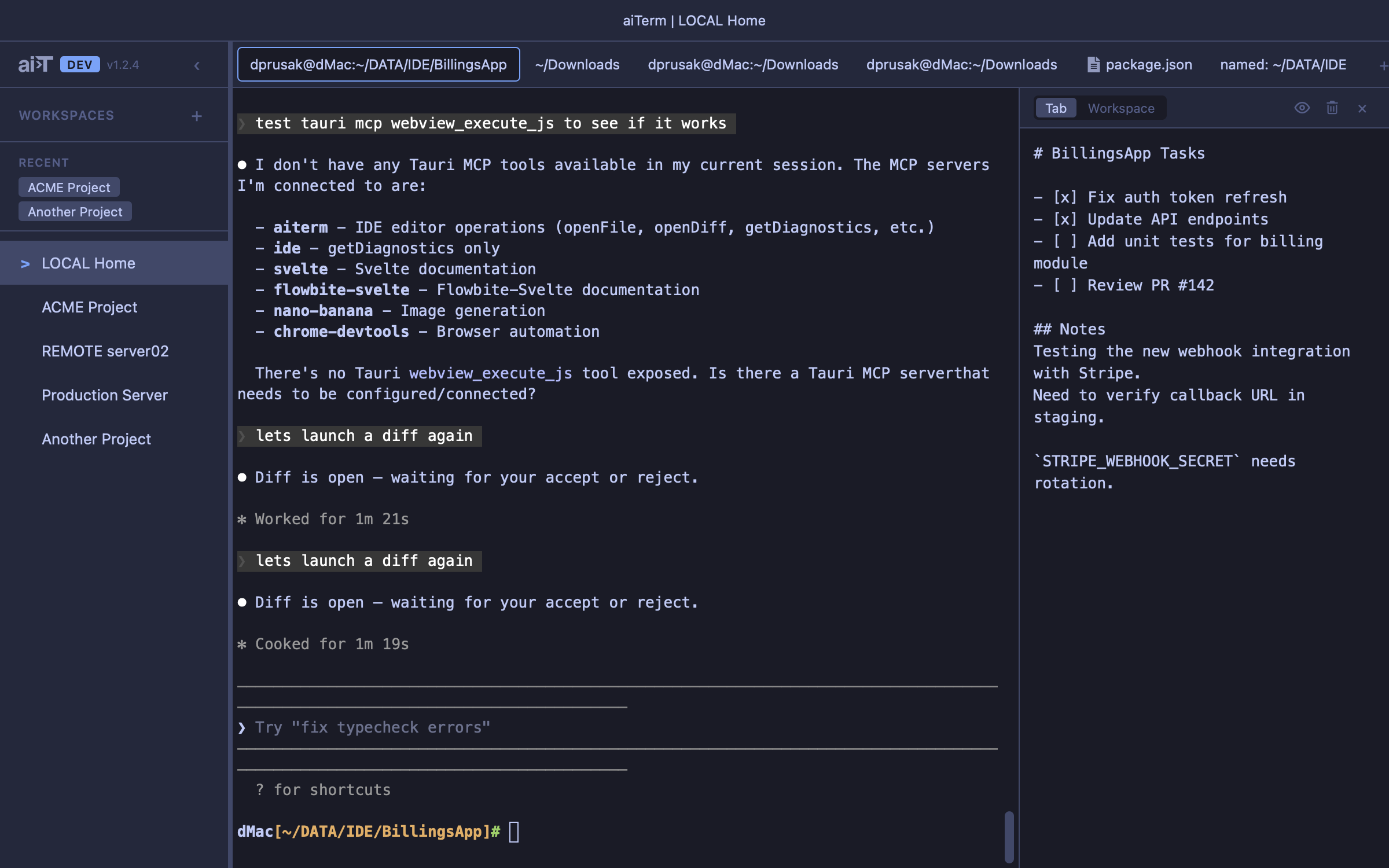
Each tab carries its own markdown notes panel, right beside the terminal doing the work. Your agent shares that panel over MCP — ask it to write down what it just did or tidy the TODO list, and it edits the notes directly.
04
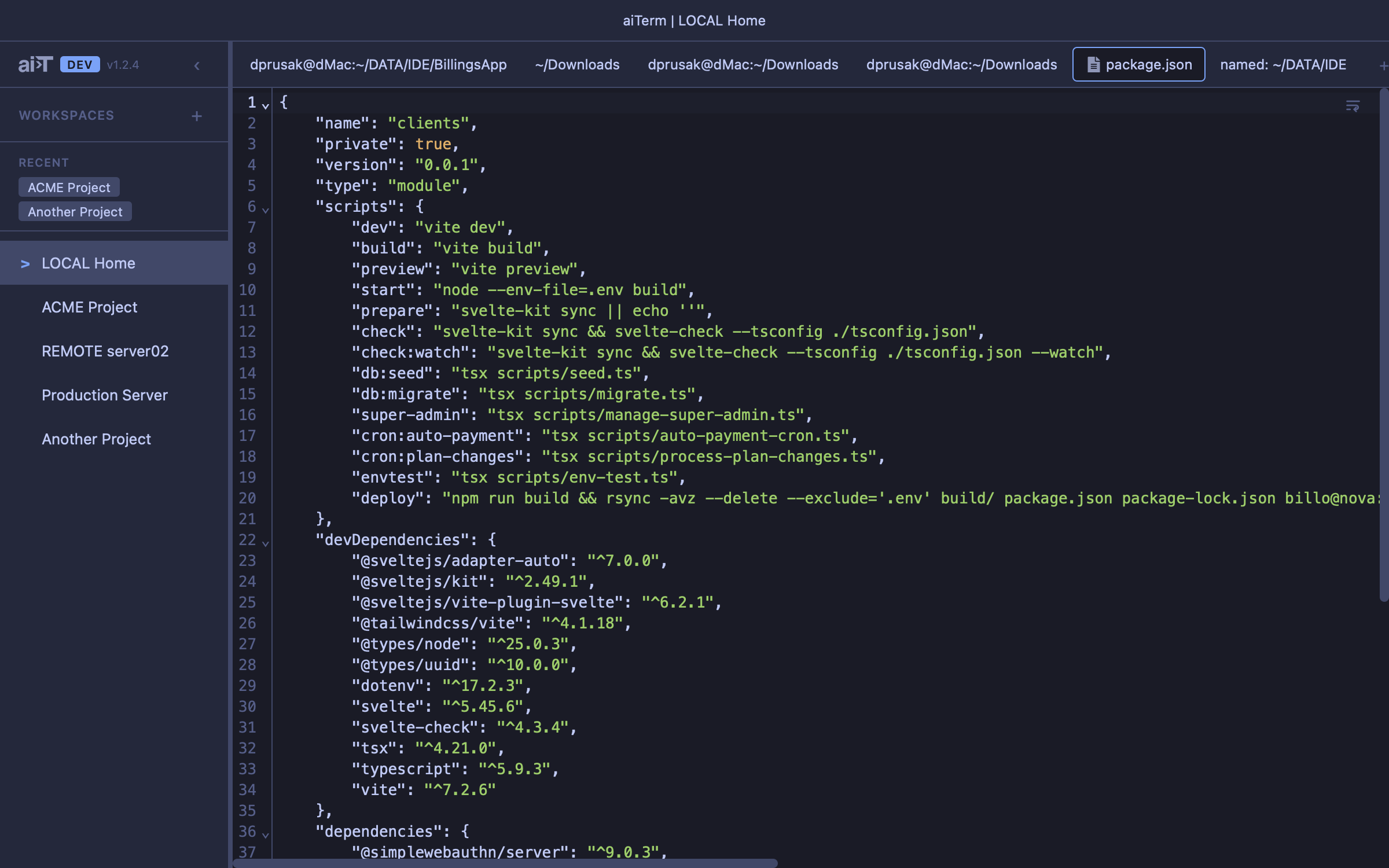
Full scrollback lives in SQLite and comes back after a restart. Deep-clone a tab and you get all of it — history, working directory, SSH session, resume command, notes. Sessions reconnect to where the agent left off instead of starting cold.
Built with Tauri 2 + Svelte 5 · SQLite · MCP